Every blog post needs a cover, and the quickest way to get one today is to type a sentence into an image generator. That works for the first post. By the tenth, the covers no longer look like each other, a logo has come out wrong, and someone has spent an evening re-rolling one picture.
Programmatic illustration takes the other road. You describe the picture as data, a short JSON scene, and an engine draws it from a fixed set of hand-made drawings. The same input gives the same picture. This post compares the two approaches for blog covers, point by point, and says plainly where each one wins.
The programmatic side here is Levni, an open-source engine with a library of 538 hand-inked props. It is the tool we know, so it is the example. The comparison holds for any scene-based setup.
See the difference in one table
A generator creates new pixels from a prompt. A scene engine arranges existing drawings. That one difference explains most of the rows below.
| AI image generator | Programmatic illustration (Levni) | |
|---|---|---|
| Consistency across many images | Each image is a new draw. Style drifts unless you work hard to hold it. | Same drawings, same inks, same house style on every scene. |
| Control and editing | Re-prompt and hope. Small changes can redraw everything. | Edit one line of JSON. The rest of the picture stays put. |
| Cost per image | Usually billed per image or through a plan. | Nothing per image: MIT code, no image model, no API key. |
| Licensing clarity | Depends on the service’s terms and on what it was trained on. Read them. | Code is MIT, drawings are CC BY 4.0 with credit to Ortak Alan. |
| Text and brand errors | Text in pictures and logos can come out wrong. | No text in the image, no faces. Nothing to misspell. |
| Speed | A short wait per attempt, often several attempts. | A scene renders on your machine in moments. |
| Offline use | Usually needs the service to be reachable. | Runs locally with Node and sharp. |
| Photorealism | Strong. | Not the goal: it draws in one inked, flat style. |
| Subjects nobody has drawn | Strong. | Limited to the library, plus shapes you draw yourself. |
Read the table as a trade. A generator gives you reach: anything you can describe. A scene engine gives you sameness: the thing that makes a blog look like a blog.
Check consistency across many images
Consistency is the biggest gap. A reader should see a cover in a feed and know whose it is. With a generator you steer toward that with long style prompts and reference images, and it works for a while. Because every image is sampled fresh, the colours, line weight and level of detail wander.
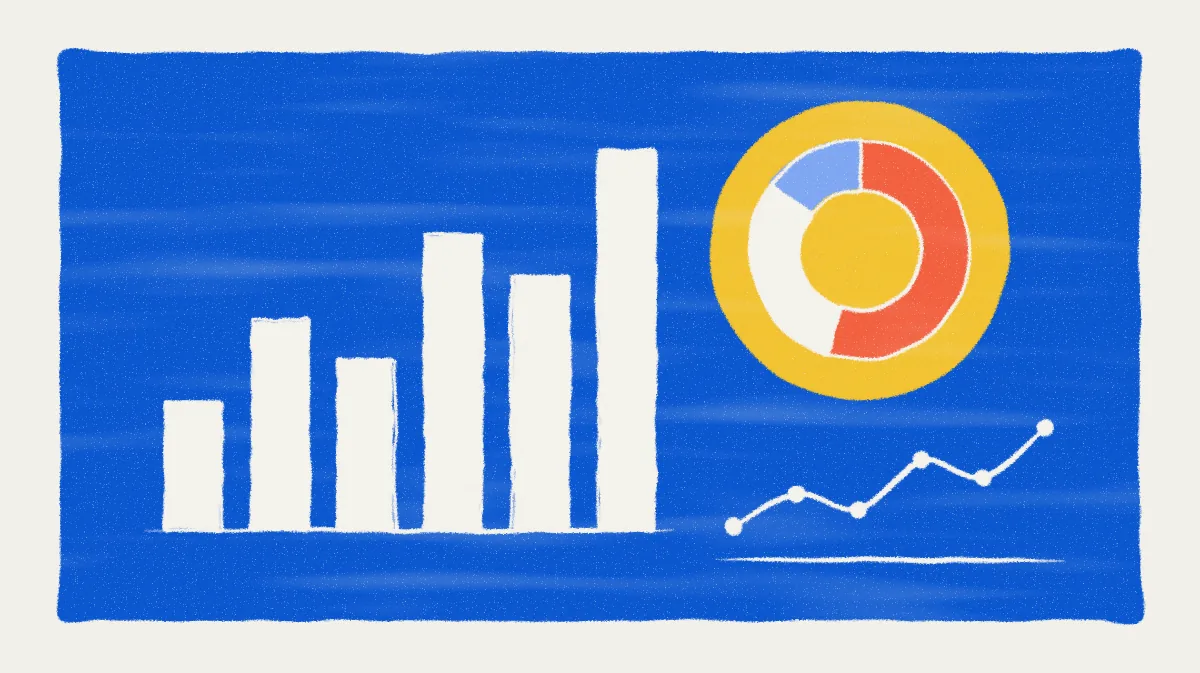
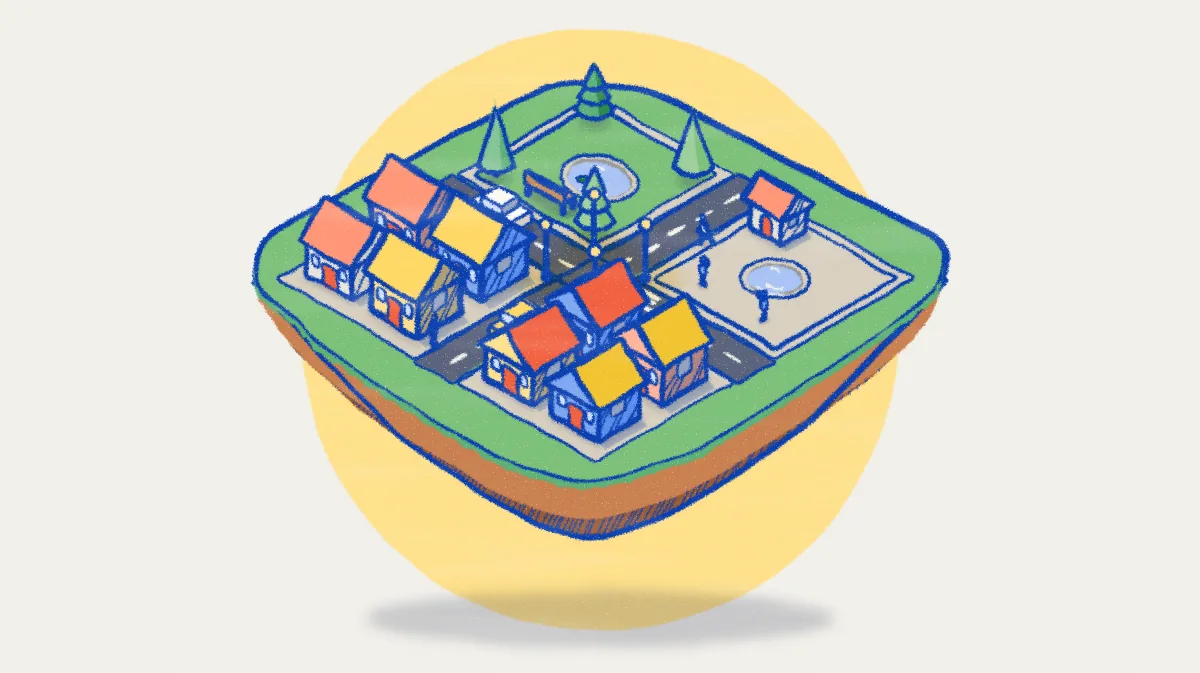
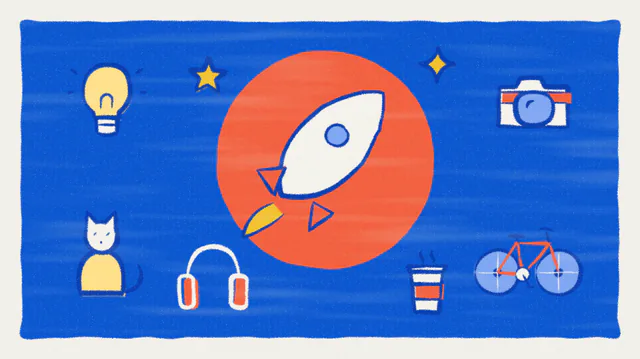
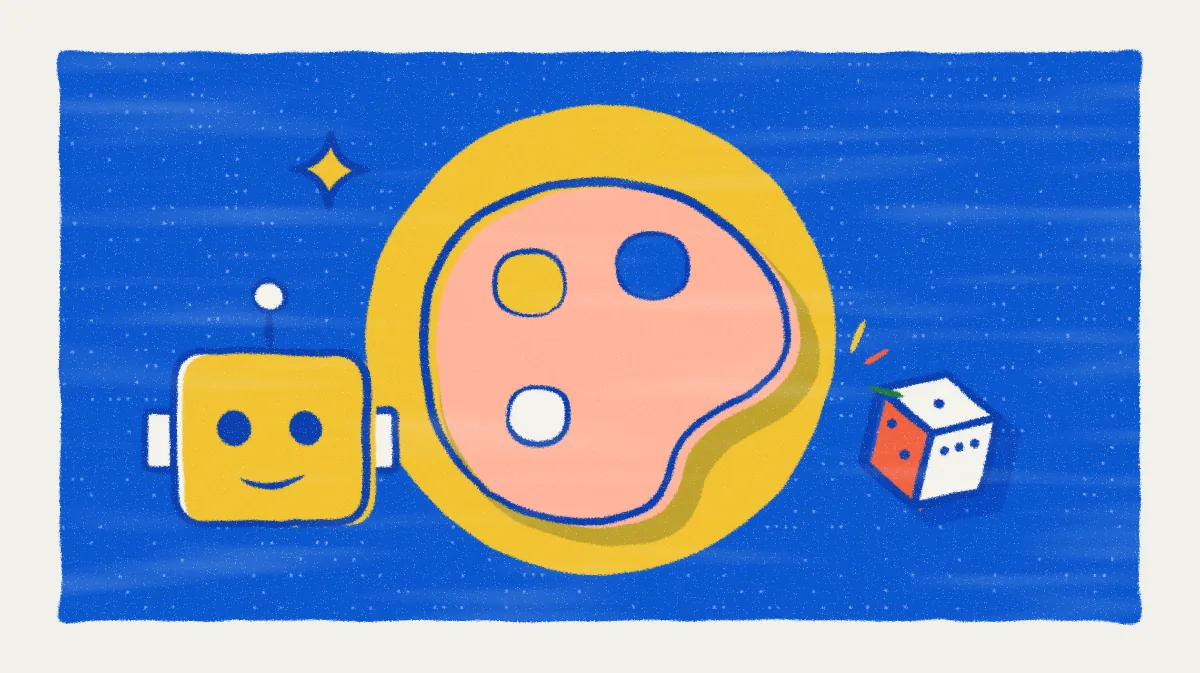
With a scene engine the style is not a request. It is the material. Every prop is a drawing that already exists, every panel uses the same inks, and the engine adds the same hand wobble and paper grain. Here are four covers for four unrelated topics: savings, travel, health and ideas.
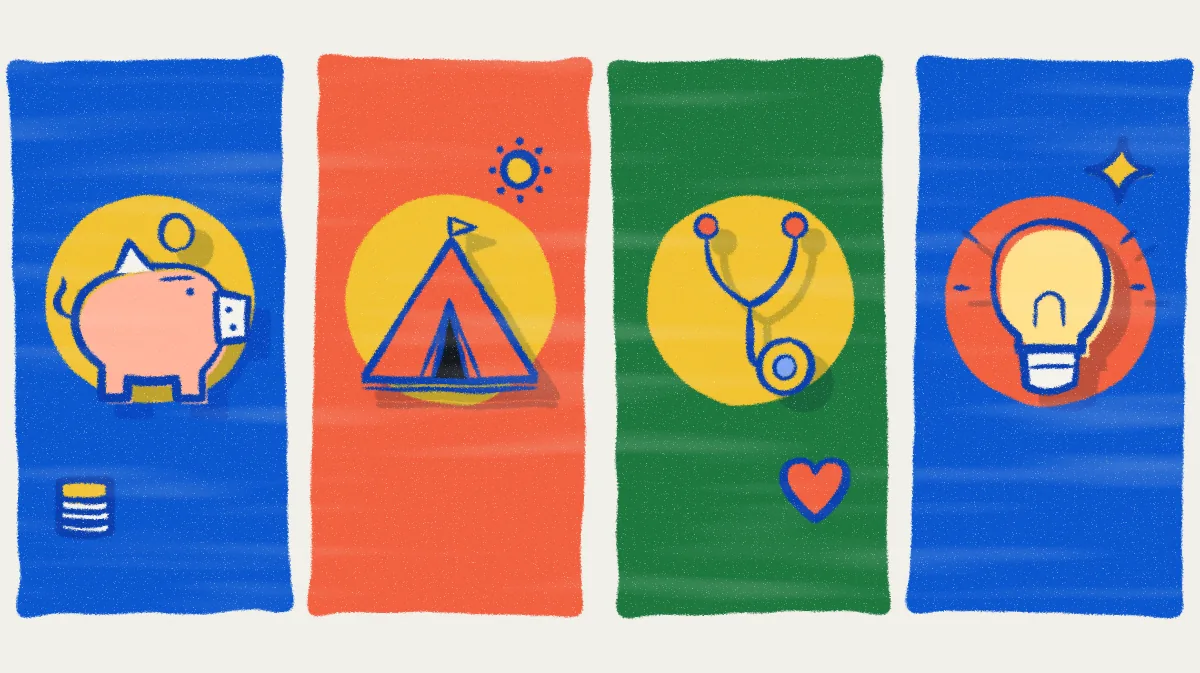 Four topics, one set of inks and one line. Nothing here was prompted to match: it matches because it is built from the same parts.
Ortak Alan drew about 500 article covers this way, and the story of that project is in one style, 500 articles.
Compare control and editing
Say the cover is nearly right but the main object is too small. With a generator you rewrite the prompt and draw again, and the new image may change the colours, the layout and the object itself. With a scene you change one number.
{ "type": "prop", "name": "piggy-bank", "variant": 1, "x": 200, "y": 330, "size": 270 }
Change size to 300 and only that drawing grows. Everything else is where you left it. A scene is also easy to read in a code review, to diff in git and to hand to an AI agent. An agent can render it, read the layout critic’s notes and fix a clipped element without redrawing the whole cover. For that loop, see generating blog covers with Claude Code.
Look at controlled variation
Consistency does not have to mean identical. A scene has levers, and each one changes one thing. Three of them: variant picks another drawing of the same prop, rot tilts it, and flip mirrors it. The panel colour is its own field. The three covers below use the same piggy bank, and only those fields differ.
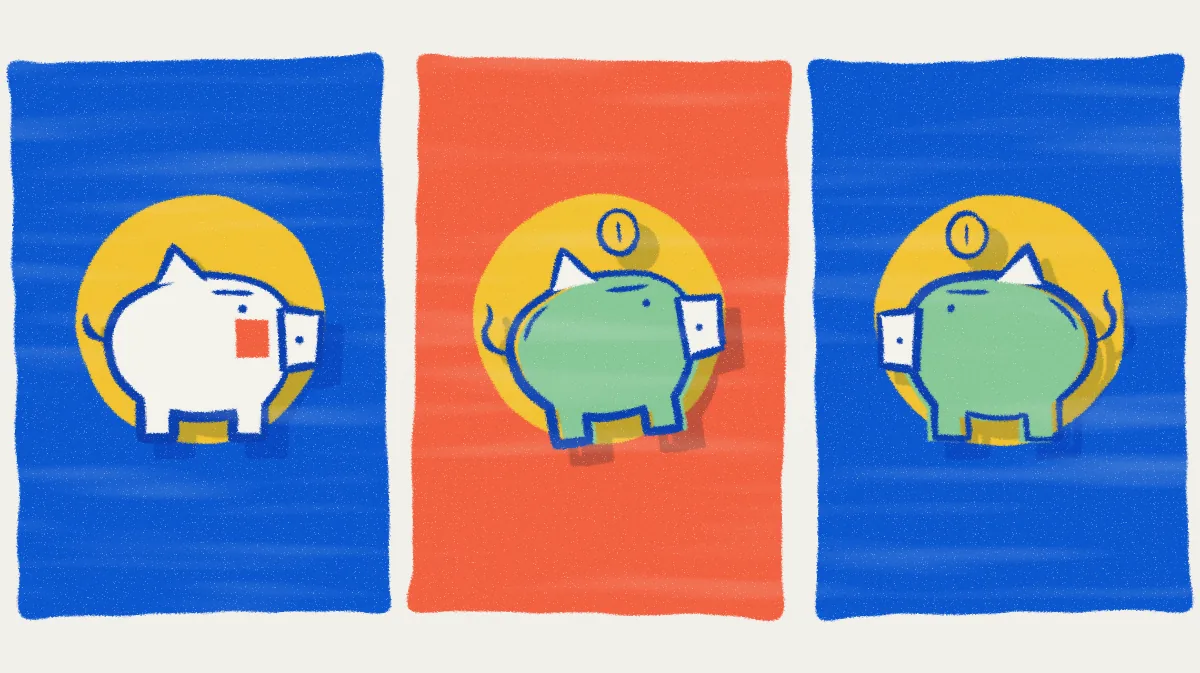 Same prop, three controlled changes: variant, tilt, mirror and panel colour. The ink and line stay the same.
The scene’s seed is a separate lever. It drives the hand wobble, the ink and any crowds. The same seed always draws the same picture, so a render is repeatable, and a new seed is a deliberate new roll of the dice. A generator gives you the second without the first.
Count the cost
Be careful with money claims in both directions. Image generators usually bill per image or through a subscription or credit plan, so cost grows with how many covers you make and how many attempts each one takes. Check the current terms of the service you use.
Levni has no per-image cost. It is MIT-licensed code that runs on your machine or in CI, with no image model and no API key. If you let an AI agent write the scenes, you still pay for that agent’s usage, but a render itself is free.
Check licensing, text and brand errors
Licensing is easy to skip until it matters. With a generator, the rules depend on the service and on how its model was trained, and they differ from one provider to the next. Read the terms before you use an image commercially.
With Levni, the code is MIT and the prop library is CC BY 4.0, so commercial use is fine with credit: “drawings by Ortak Alan (CC BY 4.0)”. See free illustrations for commercial use.
Text is the other trap. Image generators are known to garble words inside a picture and to get logos and small details wrong. A Levni cover has no text in the image at all, and it draws people only as faceless pictograms. That is a limit, and it is also why there is nothing to proofread.
Know where generators win
Be honest about the other side, because it is real.
- Photorealism. If you need something that looks like a photograph, a drawing library is the wrong tool.
- Novel subjects. A generator can draw a scene that no one has drawn before. A library can only combine what it has, plus shapes you draw yourself with the
drawelement. - Painterly one-offs. For a single hero image where sameness does not matter, a generator is often the faster path.
A useful rule: if the picture must match the other hundred, draw it from parts. If it must be unlike anything else, generate it.
Hand the choice to an agent
If you already use Claude or Codex, you can try the scene approach without installing a thing by hand. Paste this prompt into an agent that has the Levni MCP server:
Read posts/my-draft.md and draw a cover for it with the levni MCP server.
Call scene_guide first. Think of three object metaphors for the story and
keep the sharpest. Use list_props and show_props to pick the drawings.
Write a 1200 x 673 scene with one large focal object and no text.
Call render_scene, read the critic's notes and fix every one.
Save the result as public/covers/my-draft.webp.
Then render it, read the critic’s notes, and look at the picture. If the cover reads well and the notes are clean, you are done. If you need a photograph or a shape the library lacks, switch that one post to a generator and keep the rest in scenes.
What to do next
Browse the Levni library to see the drawings your covers will be built from, and try the Claude Code guide for a ten-minute first cover. To keep the same look in your own colours, read brand-colour illustrations.
FAQs
Are AI generated blog cover images a good idea?
They can be, especially for photorealistic or one-off subjects. The weak spot is consistency: each image is a fresh draw, so ten covers can look like ten different publications. If you need one recognisable look across a whole blog, a fixed set of drawings is easier to keep steady.
How do you keep a consistent illustration style with AI?
With a generator you do it with prompts, reference images and a lot of re-rolling, and the result still drifts. With programmatic illustration the style is a property of the system: every scene uses the same drawings and the same inks, and a seed makes a render repeatable.
Is programmatic illustration cheaper than an image generator?
Generators usually bill per image or through a plan. Levni runs on your own machine, has no image model and no API key, and costs nothing per image. If an AI agent writes the scene, you still pay for the agent's own usage.
Where do AI image generators win?
Photorealism, painterly one-offs and subjects no library has drawn. If your cover needs a photograph of a specific scene that does not exist, a generator is the right tool. A library of drawings cannot invent a new shape.
Can AI generated covers contain spelling mistakes?
Image generators are known to garble text inside pictures and to add odd details such as extra fingers. A Levni cover has no text in the image at all, and it draws faceless figures only, so there is nothing to misspell.