
An isometric diorama is a whole little world on a slab: a cafe with its counter and guests, a street with lamp posts and a crossing, a town on a floating island. It is one of the most useful illustrations for articles about places, work, cities and habits. It is also slow to draw by hand and slow to model in 3D.
Levni draws isometric diorama illustrations from one line of JSON. The iso element has seven presets, and each one is a seeded generator that lays out a plausible scene: walls with windows and sunlight, furniture, props, trees, roads and faceless people, all standing on a thick base with soil layers and a soft contact shadow. Change the seed and you get a different layout of the same place.
This guide shows the presets, how seeds work, the bases and the soft style, and how to change one object without writing the whole world. Everything runs on your machine with no API key and no cost per image. If you want to build a room object by object instead, the earlier guide to isometric room illustrations does that step by step.
Draw an isometric diorama with one line
Install Levni from GitHub (it is not on npm yet):
npm install github:BoraGkc/levni
Save this as room.json:
{ "seed": 1, "background": "paper", "elements": [
  { "type": "iso", "preset": "room", "seed": 3 }
] }
Render it:
npx levni render room.json room.png
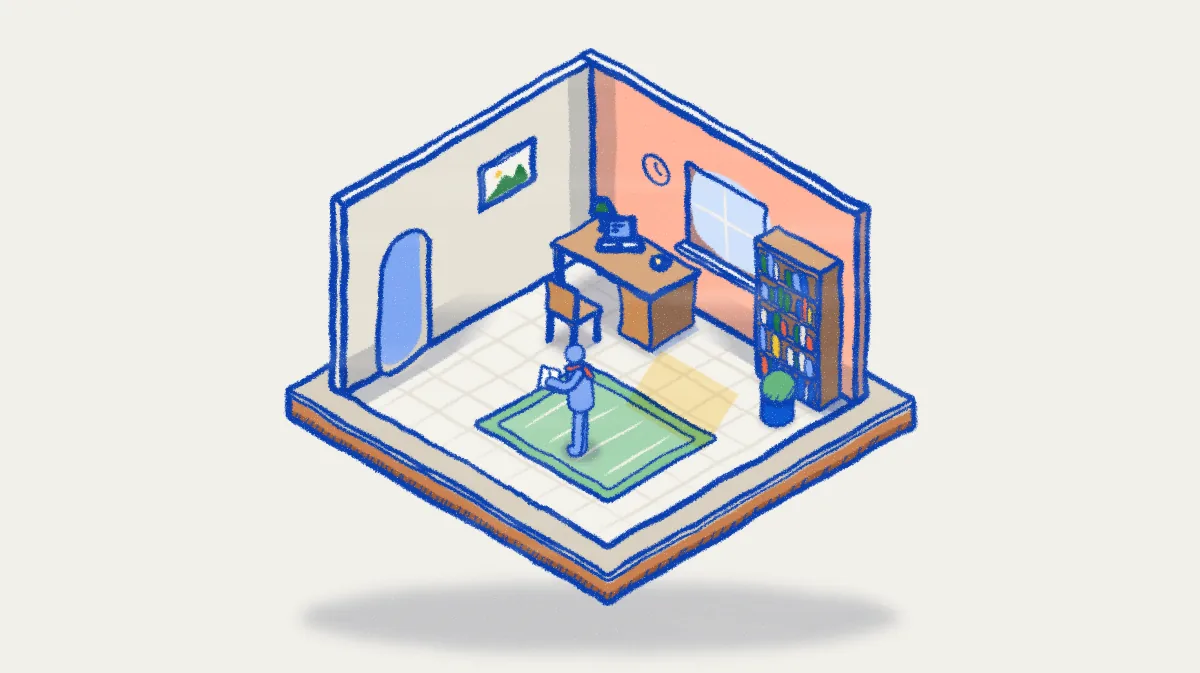
"preset": "room" with seed 3. The base, the walls, the window light and the shadow all come from the preset.
There is no x, y or scale in that scene. Leave all three out and Levni fits the world to the canvas. To fit it into a box instead, give fit: [x, y, w, h], which is also how you put several worlds in one picture.
Pick one of the seven presets
| preset | what it lays out |
|---|---|
room |
a lounge, study or bedroom with furniture and a window |
desk |
a desk top as the world: a screen, a lamp, small objects |
street |
a road with a crossing, houses, lamp posts, trees, cars, people |
city |
blocks of buildings, roads and green space |
cafe |
a counter, a menu board, round tables and guests |
office |
desks, screens, shelves and people at work |
classroom |
rows of desks, a board and a teacher’s desk |
This scene puts six of them in one image with fit:
{ "seed": 2, "background": "paper", "elements": [
  { "type": "iso", "preset": "desk", "seed": 1, "fit": [20, 20, 370, 300] },
  { "type": "iso", "preset": "street", "seed": 1, "fit": [415, 20, 370, 300] },
  { "type": "iso", "preset": "office", "seed": 1, "fit": [810, 20, 370, 300] },
  { "type": "iso", "preset": "classroom", "seed": 1, "fit": [20, 350, 370, 300] },
  { "type": "iso", "preset": "cafe", "seed": 1, "fit": [415, 350, 370, 300] },
  { "type": "iso", "preset": "room", "seed": 1, "fit": [810, 350, 370, 300] }
] }
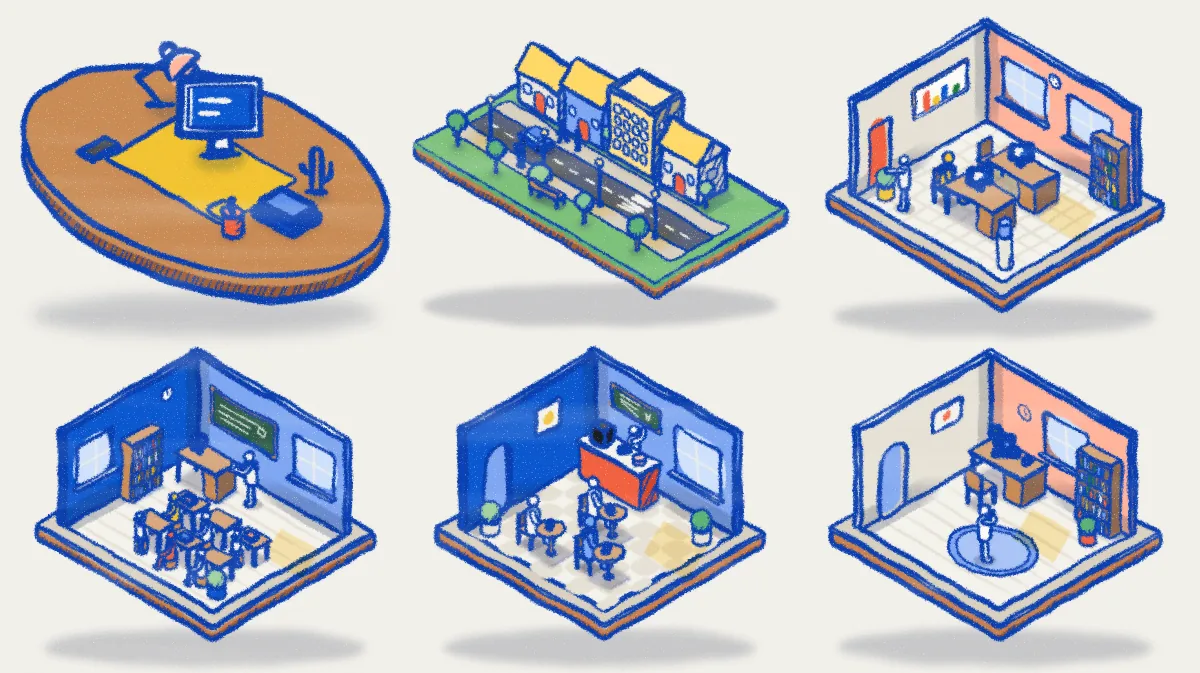 Desk, street, office, classroom, cafe and room, each fitted into its own box.
Pick the preset by the story, not by the look. A post about hybrid work wants office or desk; one about a neighbourhood wants street or city; a piece about third places wants cafe.
Change the seed for a new layout
The seed picks the preset’s layout, colours and people. Same seed, same world, on any machine. Here is the cafe with seeds 1, 2 and 3:
{ "seed": 3, "background": "paper", "elements": [
  { "type": "iso", "preset": "cafe", "seed": 1, "fit": [20, 90, 370, 500] },
  { "type": "iso", "preset": "cafe", "seed": 2, "fit": [415, 90, 370, 500] },
  { "type": "iso", "preset": "cafe", "seed": 3, "fit": [810, 90, 370, 500] }
] }
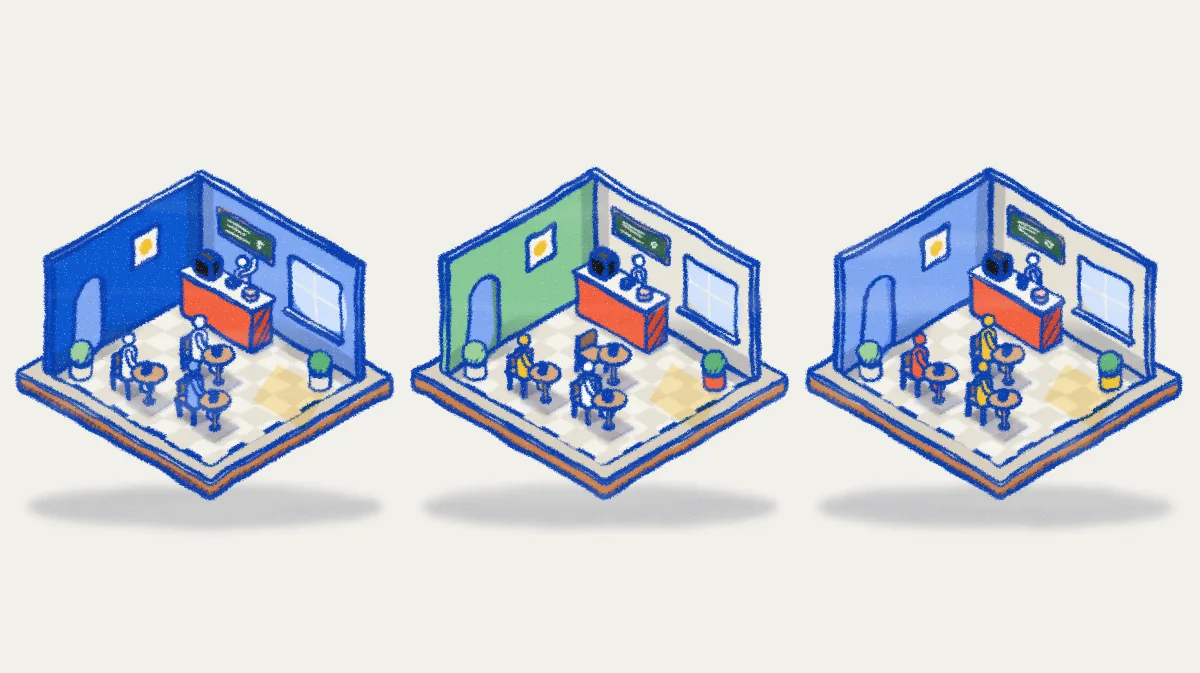 Seeds 1, 2 and 3 of the cafe preset: wall colours and guests change, the place stays a cafe.
There are two seeds in a Levni scene, and they do different jobs. The scene seed drives the hand wobble and the ink texture. The seed on the iso element drives the layout. Keep the world seed when you like a layout and only want a different hand.
Choose the base and the style
The diorama base is what makes a world look like an object you could pick up. base takes true or an object:
| field | values |
|---|---|
shape |
square, round or island (tapers into a rounded keel) |
edge |
grass, tile or none |
layers |
your own soil layers, each { h, color, hatch? } |
float |
false puts the slab on the ground |
shadow |
false drops the contact shadow |
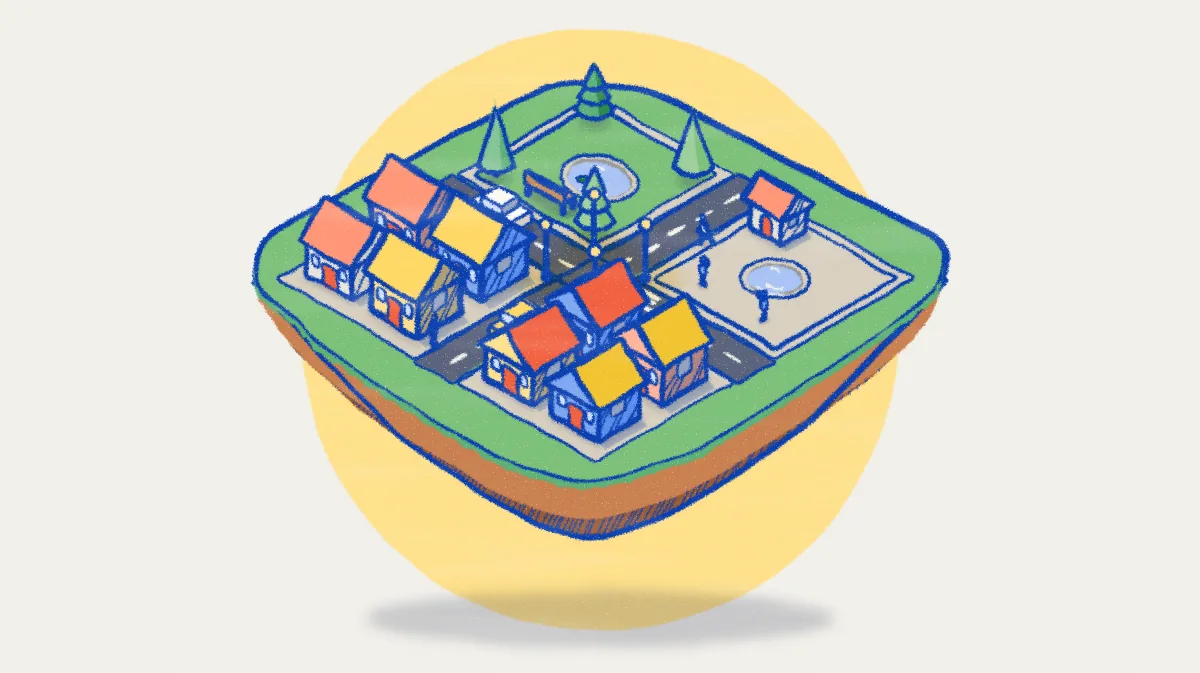
The cover of this post is { "type": "iso", "preset": "city", "seed": 3, "base": { "shape": "island" } } in front of a pale yellow disc.
The default look is hand-inked: inked faces, three riso tones and hatching on the shaded side. For a smooth toy look, set "style": "soft" on the iso element and pair it with "finish": "soft" on the scene:
{ "seed": 2, "background": "paper", "finish": "soft", "elements": [
  { "type": "iso", "preset": "street", "seed": 4, "style": "soft", "palette": "pastel", "base": { "shape": "round" } }
] }
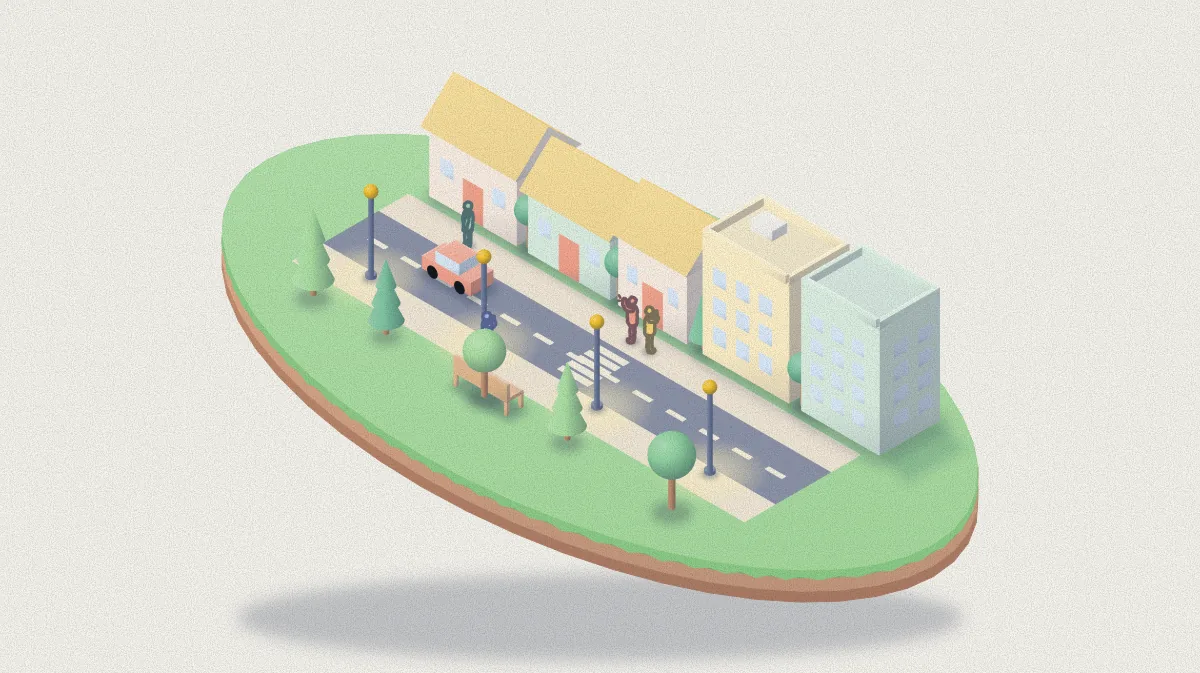 The street preset in the soft style with the pastel palette on a round base.
palette sets the colour roles: house (the default), pastel, warm, or blue. Props and people keep their own line in both styles.
Override one object without rewriting the world
A preset is a starting point, not a locked picture. Objects you list in objects are added to the preset’s world, and an object with the id of a preset object changes just that object:
{ "seed": 5, "background": "paper", "elements": [
  { "type": "iso", "preset": "room", "seed": 3, "objects": [
    { "id": "rug", "color": "mustard" },
    { "id": "person", "pose": "reading", "color": "coral" },
    { "id": "plant", "remove": true }
  ] }
] }
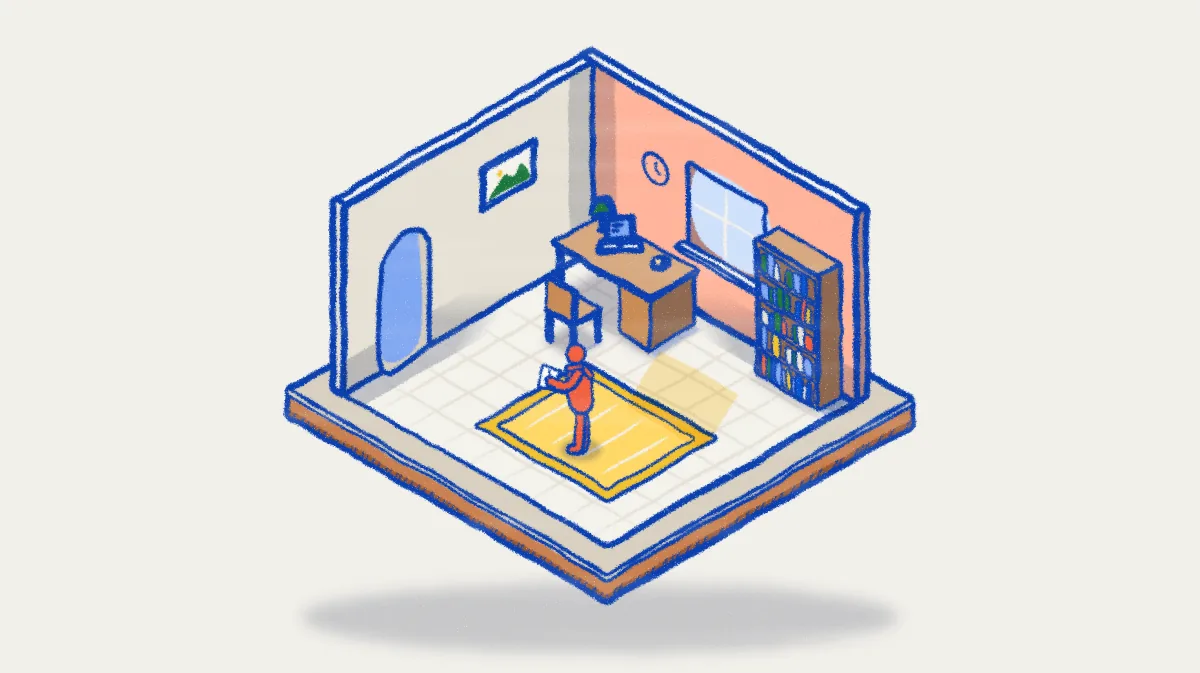 The seed 3 room with a mustard rug, a coral reader and the plant removed.
Preset ids follow the kind of object: floor, wall-back, wall-left, rug, desk, sofa, shelf, plant, person, counter, menu, board, road, car-1 and so on. To add something new, write a normal object with a kind and a position, for example a wall poster with { "kind": "prop", "name": "calendar", "wall": "x", "x": 120, "z": 140, "size": 60 }. There are 37 object kinds in all, listed in the scene reference.
Use the blue palette for hard news
For stories about loss, disaster or illness, "palette": "blue" folds every accent and every prop into the blue family. The world reads as one calm ink:
{ "seed": 6, "background": "paper", "elements": [
  { "type": "iso", "preset": "office", "seed": 2, "palette": "blue" }
] }
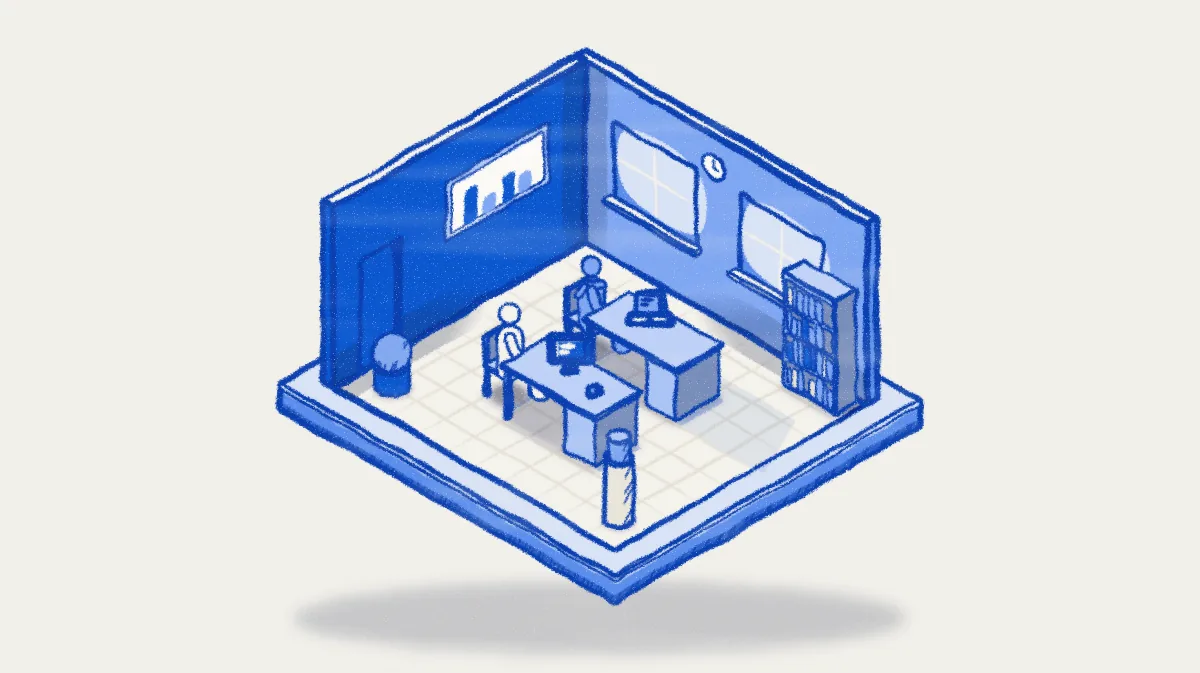 The office preset with
"palette": "blue".
For very sensitive stories, an empty room says more than a busy one: remove the people by their ids. In the office preset they are worker-0, worker-1 and visitor, so { "id": "visitor", "remove": true } takes the visitor out. The ids for every preset are in src/iso-presets.mjs.
Check it and hand it to an agent
The render prints the layout critic’s notes. A diorama is many small objects, so the critic may say there is no single focal object; for a whole world that is expected. Look at the picture for what the critic cannot see, such as a figure standing behind a counter you wanted in view.
With the Levni MCP server (setup) an assistant can pick the preset for you:
Use the levni MCP server. Call scene_guide once, then draw an isometric
diorama for my article "<title>". Choose the iso preset that fits the
story, try seeds 1 to 3 with render_scene and show me the previews.
Keep the one that reads best, recolour one object with an id override
if it helps, and save it as cover.png.
What to do next
See more worlds in the diorama gallery and the full engine on the features page. To build a room yourself, object by object, read isometric room illustrations from JSON. To fill a diorama with your own people, read faceless people illustrations. For other things to place in a world, browse the library.
FAQs
How do I make an isometric diorama illustration?
Write a Levni scene with one `iso` element and a preset, for example `{ "type": "iso", "preset": "cafe", "seed": 2 }`. Levni lays out a whole world on a floating slab with soil layers and a soft shadow, and fits it to the canvas.
Which isometric presets are there?
Seven: `room`, `desk`, `street`, `city`, `cafe`, `office` and `classroom`. Each is a seeded generator, so every seed gives a different but plausible layout.
Can I change one object in a preset?
Yes. Add an object with the `id` of a preset object to override its fields, such as `{ "id": "rug", "color": "mustard" }`, or add `"remove": true` to drop it. Objects without a matching id are added to the world.
How do I get the smooth, toy-like 3D look?
Set `"style": "soft"` on the `iso` element and `"finish": "soft"` on the scene. The world is then shaded with smooth gradients and a light rim instead of hand-inked outlines.
Do I need 3D software or an API key?
No. The isometric renderer is part of Levni, which runs on your machine with Node and sharp. There is no image model and no cost per image.