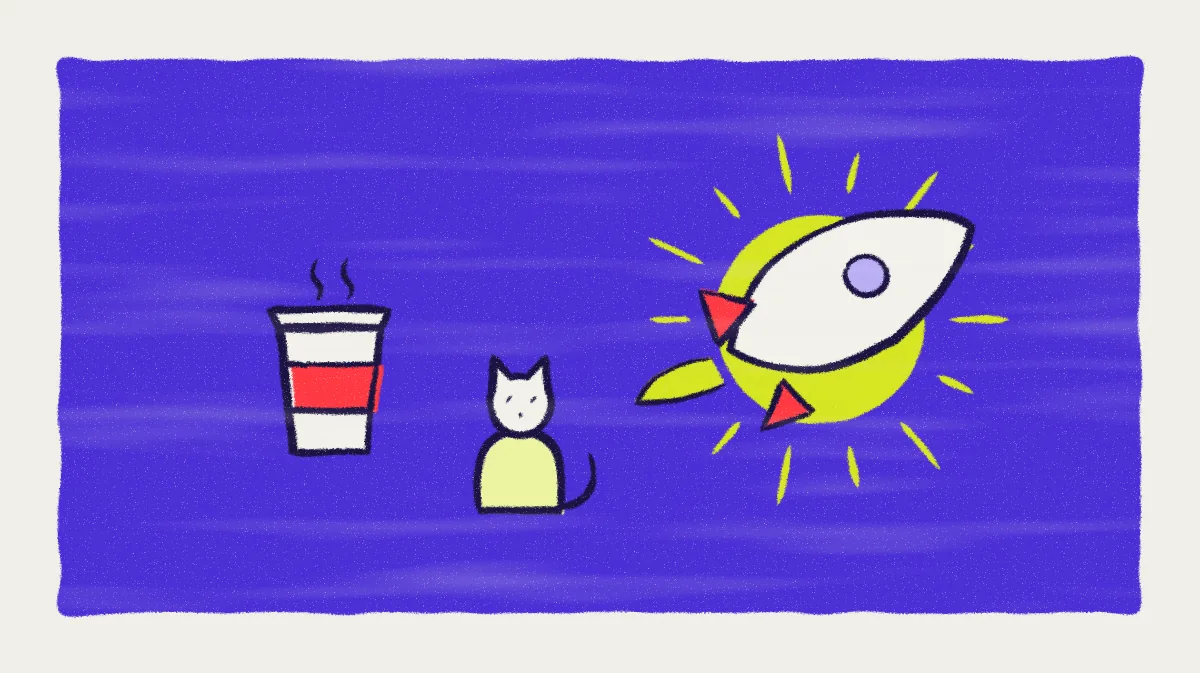
Every drawing in the Levni Folio is drawn with colour names, not colours. A rocket’s body is tone, its fin is coral, its outline is ink. That one decision is what makes this post possible: if you change what coral means, every one of the 1,600 drawings changes with it.
That map from names to colours is a style pack. Levni ships two, and this guide shows how to make your own in one line, how to make it good, and how to share it so other people can print the whole library in your palette.
The same scene, three packs
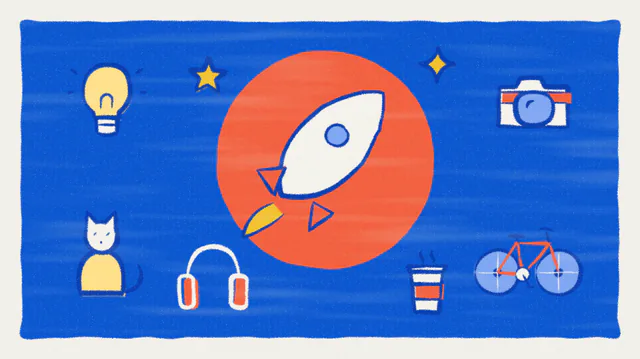
Here is one scene: a blue panel, a sunburst, a rocket, a coffee cup and a cat. Nothing changes between the three pictures below except the style pack.
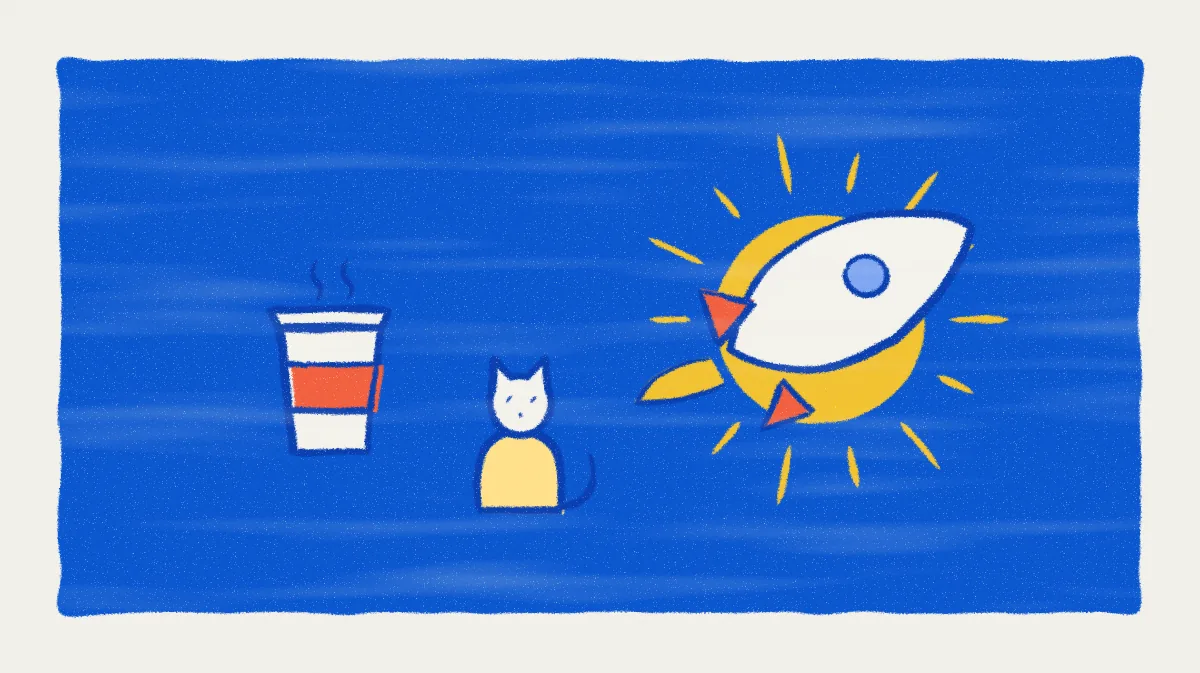
Riso is the house look: the inks of a risograph print shop, a strong blue, coral and mustard on warm paper.
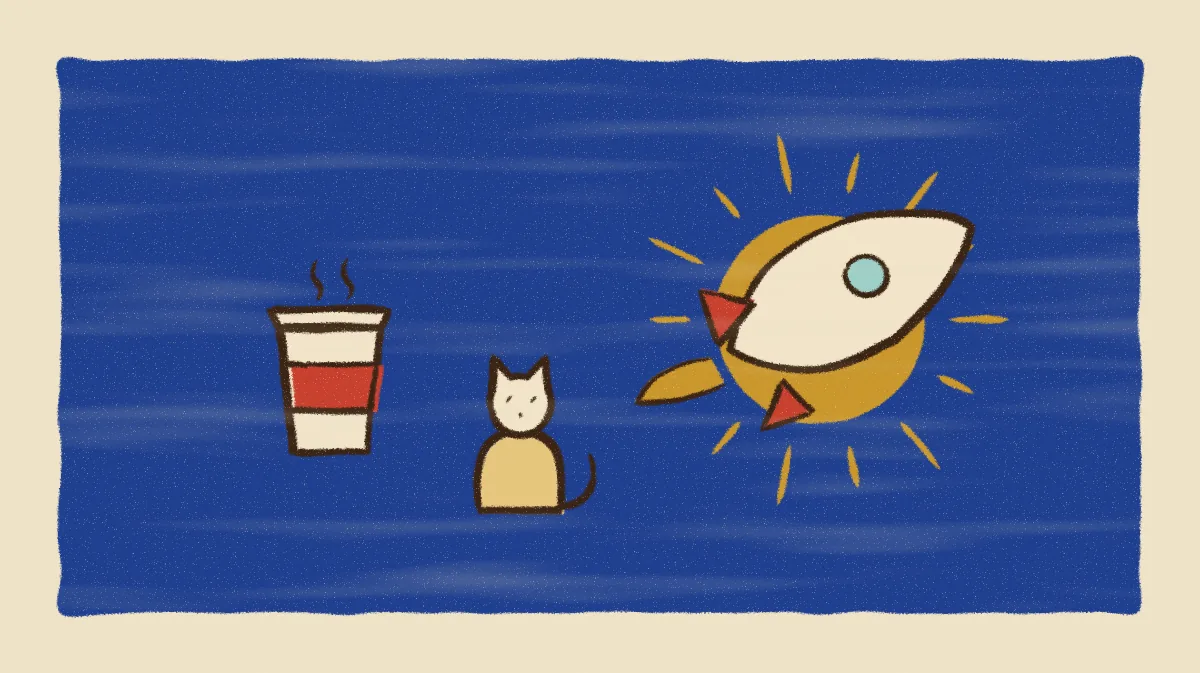
Miniature is inspired by Tulip Era Ottoman painting, the period Levni is named after: aged paper, gold ochre, vermilion, turquoise, lapis and a sepia line.
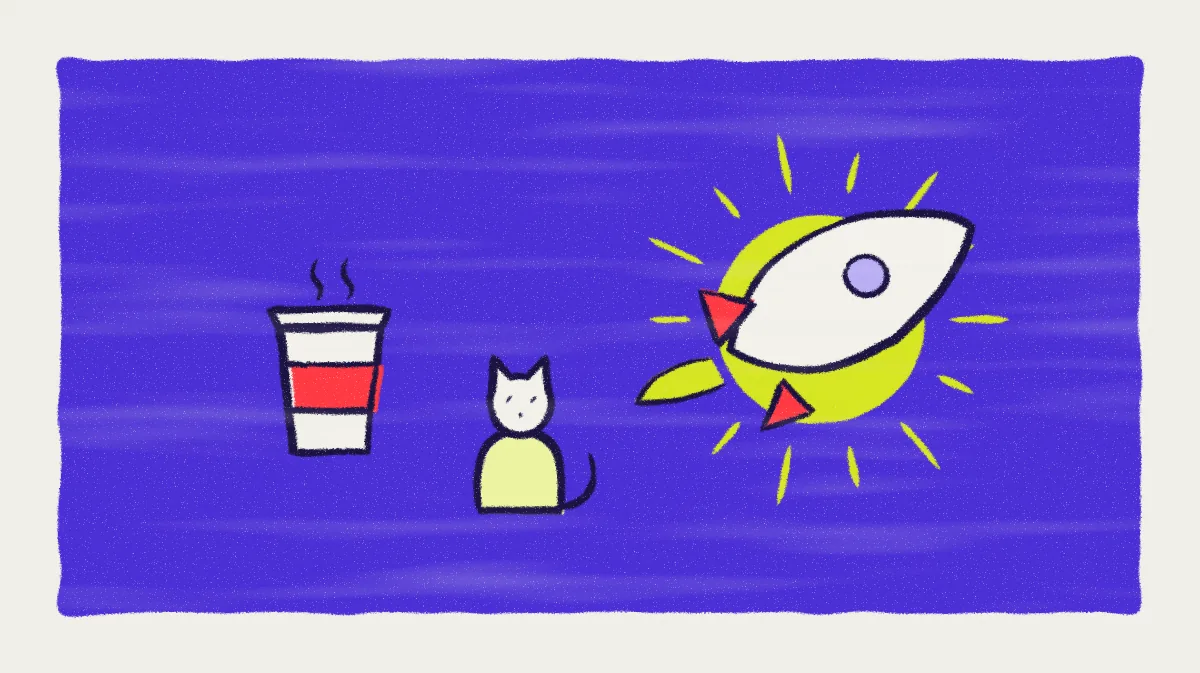
The third one is a custom pack: the indigo, lime and red of the levni.dev brand. It took one line of JSON.
Make your own in one line
Set the scene’s style to an object that maps house colour names to your hex values:
{
  "style": {
    "blue": "#4B2FD6",
    "mustard": "#D6E521",
    "coral": "#FF3A44",
    "ink": "#1B1340",
    "paper": "#F3F1EA",
    "tone": "#B9AEF5",
    "tone-mustard": "#ECF3A0"
  },
  "elements": [ … ]
}
That is the exact pack behind the third picture. A few things to know:
- The names you can map:
paper,white,ink,blue,coral,green,mustard,dark,tone,tone-coral,tone-green,tone-mustard. - Leave colours out freely. Any name you do not map keeps its house value, so a two-colour brand only needs two lines.
- Typos fail loudly. An unknown name or a value that is not a six-digit hex is an error, not a silent no-op.
- It works everywhere a scene does: the CLI, the Node API, the MCP server, brand boards and poster series.
From the command line:
npx @levni/levni render scene.json cover.webp
Or ask your agent: “Draw this cover with Levni in our brand inks, #4B2FD6 and #D6E521.”
What makes a pack good
A style pack recolours drawings made by many hands, so it has to hold up across all of them, not just the one you are looking at. Some rules of thumb from building ours:
- Keep
inkdark. Outlines carry the drawing. Ifinkis too light, every object goes soft at small sizes. - Make
tonea light version ofblue. Most drawings fill their body withtoneand sit on abluepanel. A tone that is too close to the panel makes objects disappear. - Two main inks plus paper. The house rule for scenes applies to packs too:
blueand one accent carry the picture, a third colour only as a small accent. - Check contrast on both grounds. Look at a few drawings on
paperand on abluepanel. The Library shows each drawing large, and any scene can be rendered twice in seconds. - Test with many props, not one. A palette that flatters a rocket can ruin a lighthouse. Render a contact sheet with ten very different objects before you decide.
You can also try a look in the browser first: the editor changes the look of a whole design at once, and the inks demo on the homepage recolours real drawings live.
Share it with the community
A pack that works is worth sharing. Someone else is looking for exactly the palette you just tuned: a newspaper’s print colours, a 1970s transit map, a night mode for a dark site.
To propose a pack, open a style pack issue on GitHub with:
- a short lowercase name, like
bosphorus-night - the colour map as JSON
- what it is for: a mood, a brand, a print process, a period
- a render with the pack, if you have one
Good packs can ship in Levni as named packs next to riso and miniature, so anyone can write "style": "bosphorus-night". Named packs live in the engine’s style file with a short comment on their inspiration and your name in the credits, under the same MIT licence as the code.
Why palettes belong in the commons
Colour is one of the cheapest ways to make a picture feel like yours, and one of the easiest to lock away: most tools sell themes and brand kits as a paid tier. In Levni a palette is twelve lines of JSON that anyone can read, fork and improve. That is the whole idea behind the project, written in colour. The longer version is in the manifesto, and the other ways to contribute are on the community page.
FAQs
What is a Levni style pack?
A colour map from Levni's house colour names (ink, blue, coral, mustard, green, paper, tones) to your own hex values. Because every drawing uses colour names, one map recolours every drawing, panel and texture in a scene.
How do I use my brand colours in Levni?
Set the scene's style to an object of your inks, for example { "blue": "#4B2FD6", "mustard": "#D6E521" }. Colours you leave out keep the house value. Unknown names or non-hex values raise an error so a typo does not pass silently.
Which colour names can I map?
paper, white, ink, blue, coral, green, mustard, dark, tone, tone-coral, tone-green and tone-mustard.
How do I share a style pack with others?
Open a style pack proposal on GitHub with the colour map and what it is for. Good packs can ship in Levni as named packs, like riso and miniature, with your name in the credits.
Can I try a palette without installing anything?
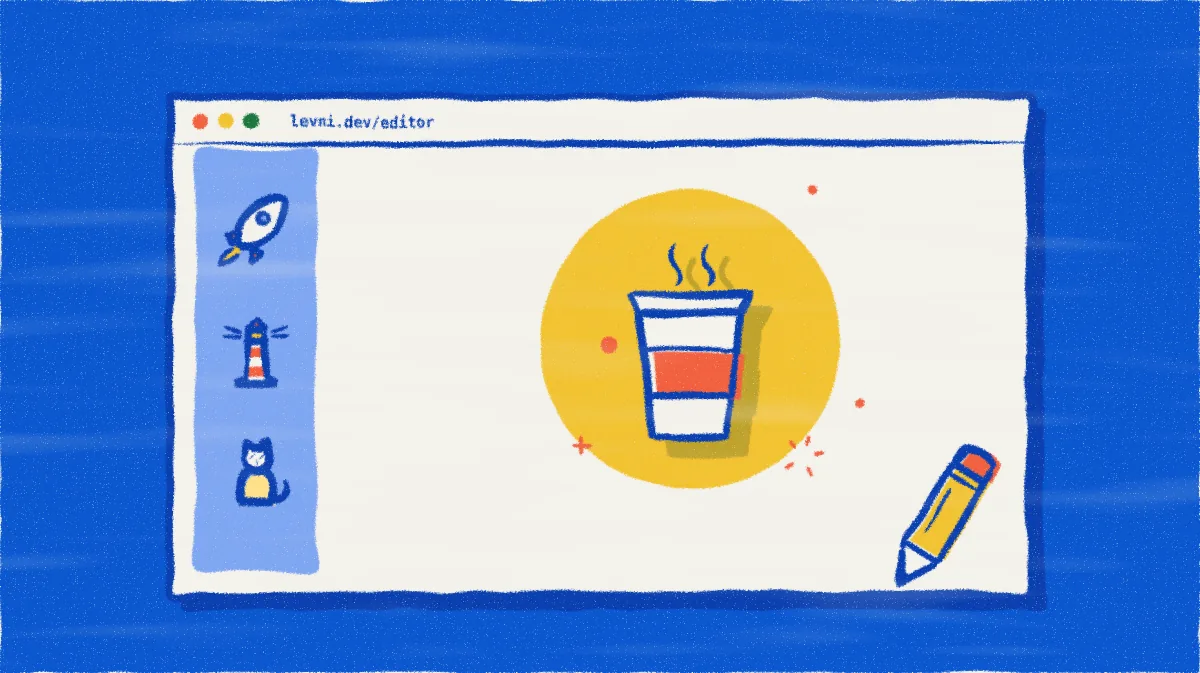
Yes. The Levni editor at levni.dev/editor runs in the browser and lets you change the look and colours of a design, then download PNG or SVG.
Ortak Alan is a Turkish publication that draws its article covers with Levni, and makes Levni. The engine is on GitHub.