Documentation
Learn Levni
Levni draws hand-inked, riso-printed images from a short JSON description. These pages show you how to drive it: from an AI agent, from the terminal or from your own code.
What Levni is
Levni is an open library of drawings (the Levni Folio: 1,628 objects in 3,409 variants) and the engine that composes them. You describe a picture as a scene: a list of elements drawn in order. Levni renders it as PNG, WebP or SVG. The same scene and seed always give the same picture.
There is no image model, no account and no cost per image. It runs on your machine, and an agent can drive it through MCP. After every render, a layout critic tells you what looks wrong: elements off the canvas, accidental crops, lopsided weight, no clear focal point.
{ "seed": 5, "elements": [
  { "type": "disc", "x": 600, "y": 336,
    "r": 250, "color": "mustard" },
  { "type": "prop", "name": "rocket",
    "x": 600, "y": 336, "size": 380,
    "rot": 20, "shadow": true },
  { "type": "label", "text": "Launch / Day one",
    "x": 80, "y": 90, "color": "ink" }
] }
Pick your path
- MCPWith an agentConnect Levni to Claude, Cursor or Codex. The agent searches the library, writes scenes, reads the critic and saves files. One line to install.Open guide →
- CLIFrom the terminalWrite a JSON scene, run levni render, get a PNG, WebP or SVG. Also boards, posters and a prop search. Good for scripts and for agents without MCP.Open guide →
- Node APIFrom codecompose, render and critique as functions, for build steps, CMS hooks and your own tools. Node 20 or newer.Open guide →
New here? Do Getting started first. It takes two minutes and works for all three paths.
What is inside
- The Levni Folio. Drawn objects on 15 shelves, searchable in English and Turkish, recolourable by style packs, named for what they show (old names keep working). Library guide.
- Scenes and elements. Drawings, panels, charts, little 3D worlds, dither and mesh gradients, ASCII fills, seals and stickers, terrain and engraving. Scene format, element reference.
- The critic. Cheap layout notes after every render, so an agent can fix its own work.
- Brand boards. A mark, wordmark, palette, web page, social card, tote, sticker, pattern and business card in one image. Boards.
- Branding posters. Eight portrait posters that share inks, type and a mark. Posters.
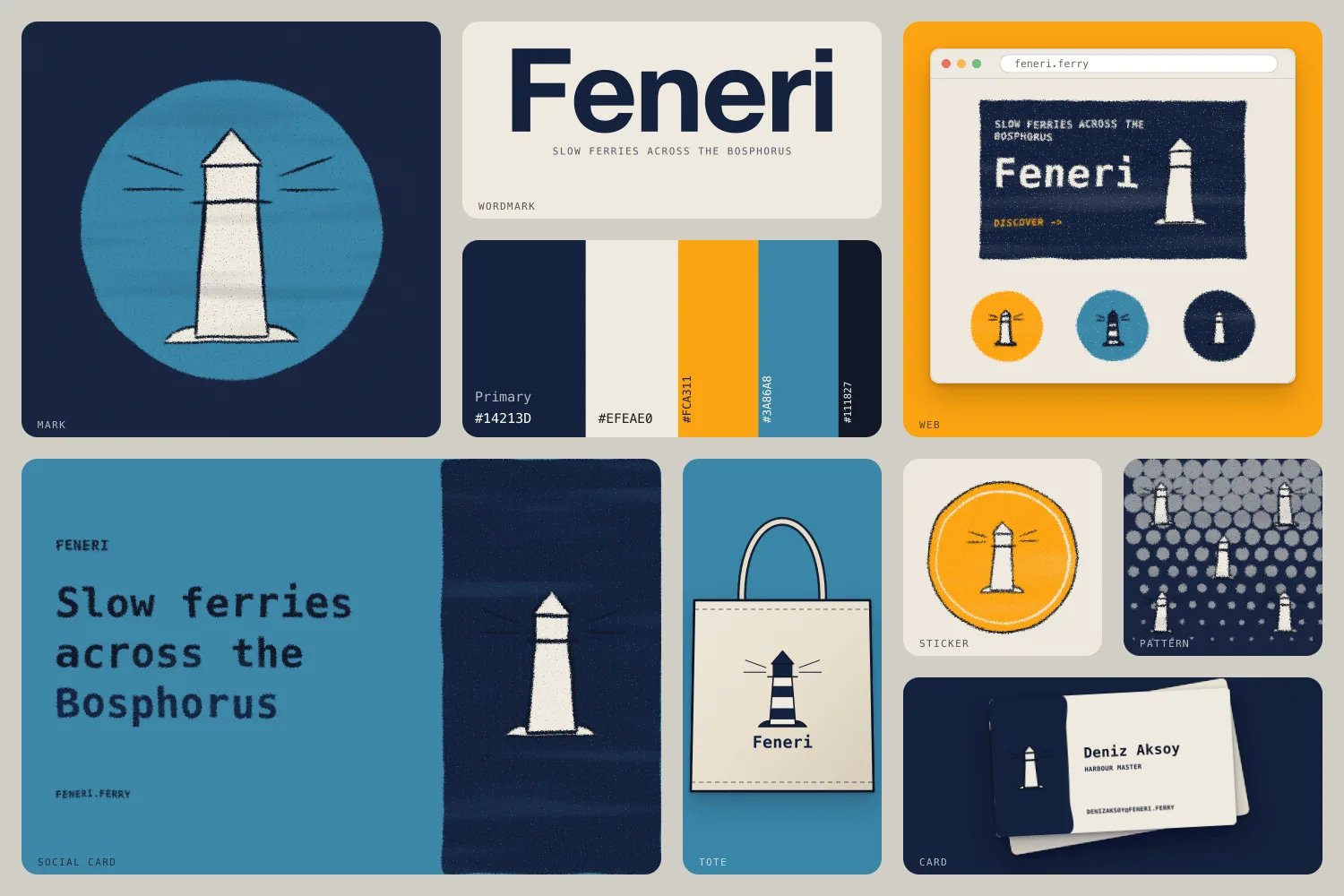
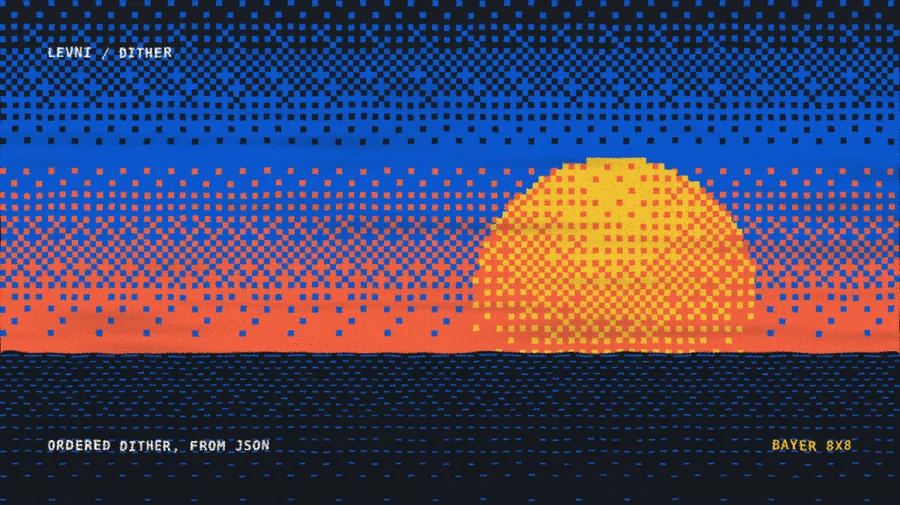
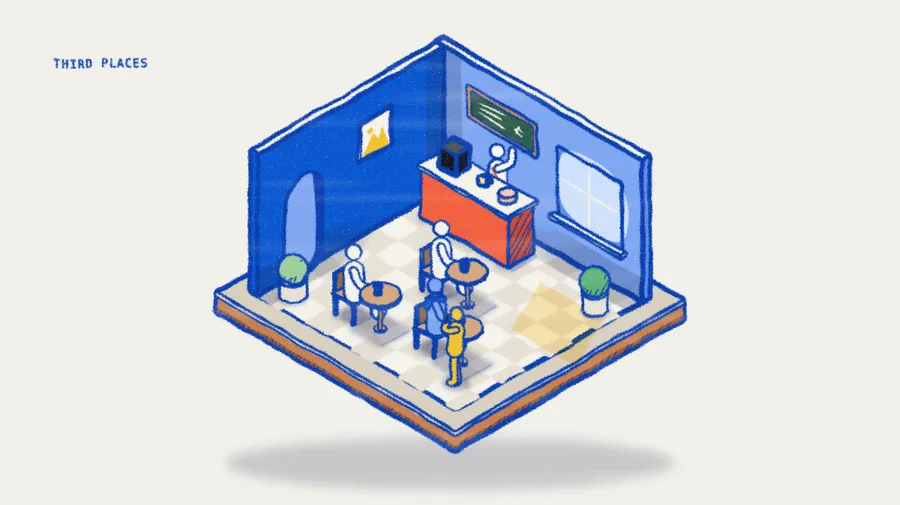
Install from npm: @levni/levni. The branding posters and the type engine are new in 0.3.0, which is not on npm yet; until it is, use npm install github:Levni-Dev/levni to get them. Everything else works with the published package.
The docs at a glance
Start
- Overview: What Levni is and three ways to use it.
- Getting started: Install it and draw your first image in two minutes.
Use Levni
- MCP server: Connect an agent: setup, every tool, a sample session.
- Command line: Every levni command and its flags.
- Node API: compose, render, critique and friends, from code.
Reference
- Scenes: The scene format: canvas, colours, formats, slots, the critic.
- Elements: Every element type with its fields, and recipes.
- Brand boards: One image with mark, palette, mockups and more.
- Branding posters: A series of eight posters from one brand spec.
Library
- The Levni Folio: Find drawings, recolour them, name and tag them, submit your own.
Levni is powered by Ortak Alan. Code is MIT; the Levni Folio drawings are CC BY 4.0.