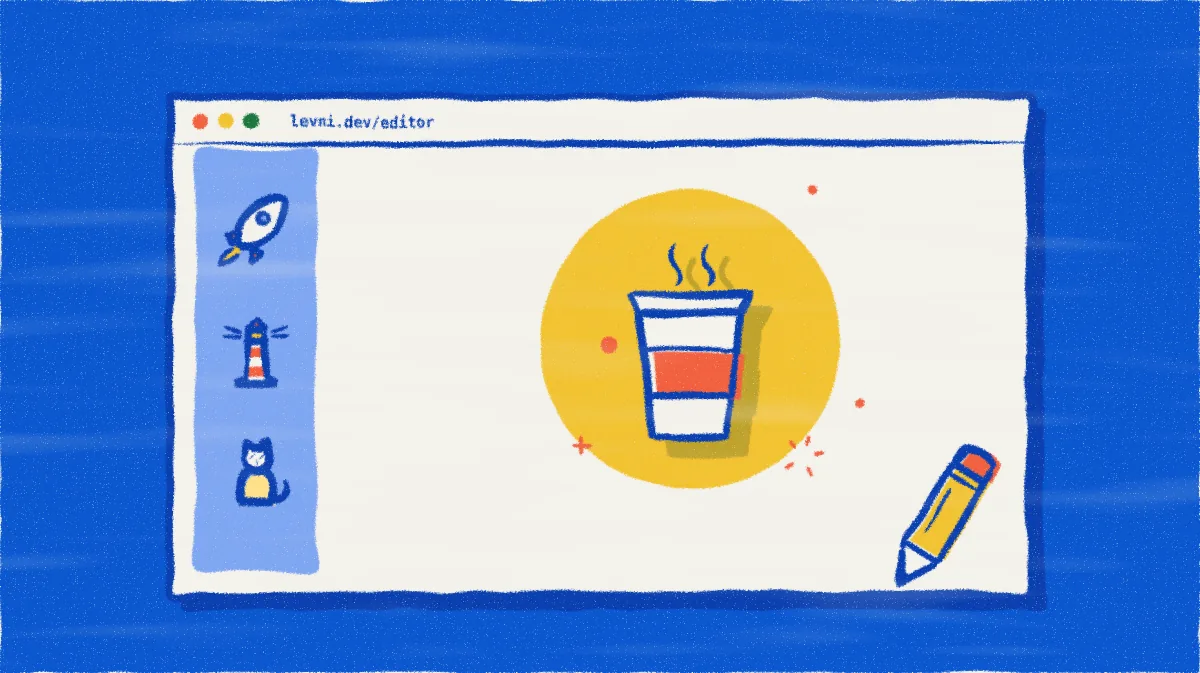
Levni now has a free online design editor. Open levni.dev/editor, drag a drawing from the library onto the canvas, move it, resize it, give it a colour and download the picture. There is no account and no sign-up, and nothing is uploaded: the editor runs the same engine as the npm package, right in your browser.
Until now Levni was a tool for code and for agents. You wrote a JSON scene, or asked Claude to write one, and Levni drew it. That still works, and it is still the fastest way to make a lot of pictures. But many people want to see what a tool can do before they install anything, and some pictures are quicker to arrange by hand. The editor is for them.
It costs nothing to run, for you or for us. There is no image model behind it, so there are no credits to buy. You need a recent browser, nothing else.
Pick a drawing and drop it on the canvas
The left side of the editor works like the design tools you already know. A dark rail holds the panels: Templates, Drawings, Shapes, Text, Layers and Code. Click one and its panel opens; click it again and it closes, so the canvas gets the room.
The Drawings panel shows the Levni Folio, about 1,600 drawings on 15 shelves, from film and food to money and nature. Each shelf shows a few drawings and a See all link. Search works in English and Turkish, so cat, kedi, coffee and kahve all find something.
Click a drawing to add it, or drag it onto the canvas and drop it where you want it. A new drawing goes to the emptiest part of the picture, so it does not land on top of your headline. The last drawings you used appear at the top of the panel.
Shapes and Text follow the same idea. Shapes holds panels, circles, pills, sun rays, sparkles, confetti, waves, clouds, trees, faceless people, speech bubbles, a browser window, a seal sticker, a ticket, gradient orbs, dither discs and arrows. Text holds a headline, a subhead, a code line, pixel type and a small label. Type is drawn from bundled open fonts, so it looks the same on every machine.
Edit what you select
Click any part of the picture and it gets a selection box with four corner handles and a rotate handle. Drag it to move it, drag a corner to resize it, drag the round handle below to turn it. Hold Shift to rotate in 15° steps.
The toolbar above the canvas changes with what you selected:
| You select | The toolbar offers |
|---|---|
| Nothing | Background colour, Re-ink, Layers |
| A drawing | Replace, Variant, Effects, Flip, Edit, Position |
| A headline | Font, size with − and +, colour, Effects, Edit, Position |
| A shape | Colour, Edit, Position |
A small dark bar above the selection holds the quick actions: duplicate, lock, delete and all settings. The keyboard works too: arrow keys nudge, Shift with an arrow nudges further, Delete removes, ⌘D duplicates, ⌘Z undoes and ⇧⌘Z redoes. The square brackets move a part forward or back.
Colours come from the inks of the current look, the same names a scene uses (ink, blue, coral, mustard, green, paper and their light tones), plus a picker for any other colour.
Turn one drawing into five styles
The Effects panel is where Levni does something a stock illustration cannot. Select a drawing and open Effects: the same drawing is shown in five styles, each one previewed with your drawing, and one click switches between them.
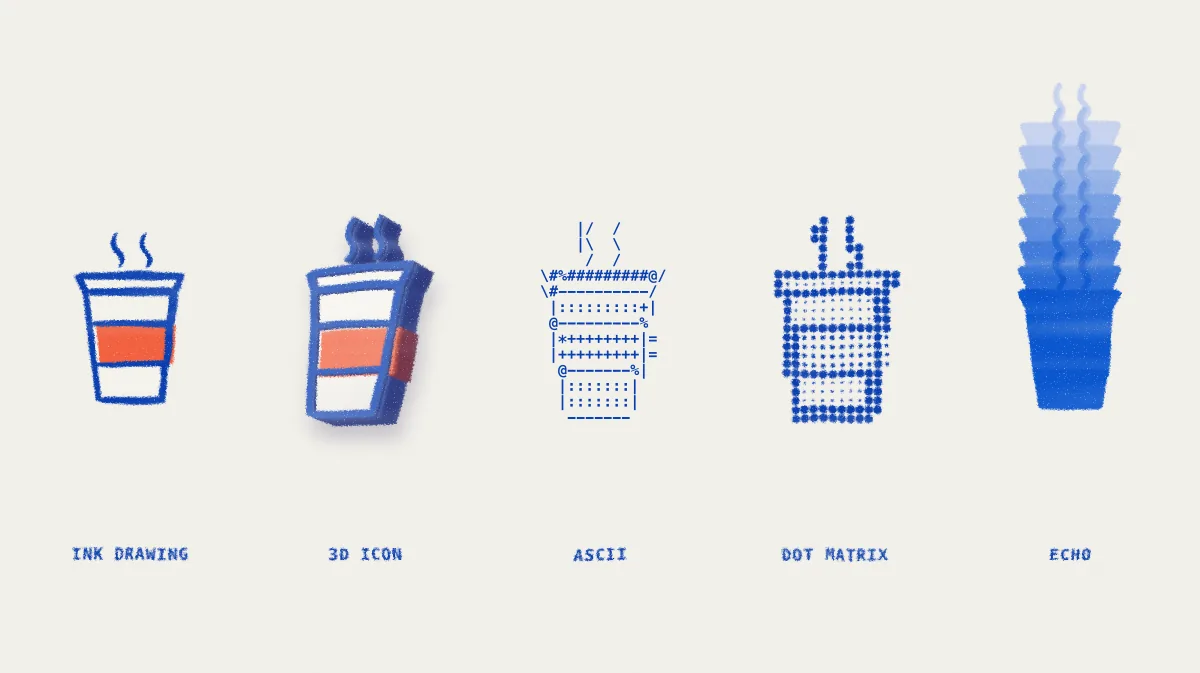 One Folio drawing as an ink drawing, a 3D icon, ASCII, a dot matrix and an echo.
Under the styles sit the depth and print effects for ink drawings. These combine, so a drawing can have a shadow and a sticker edge at the same time.
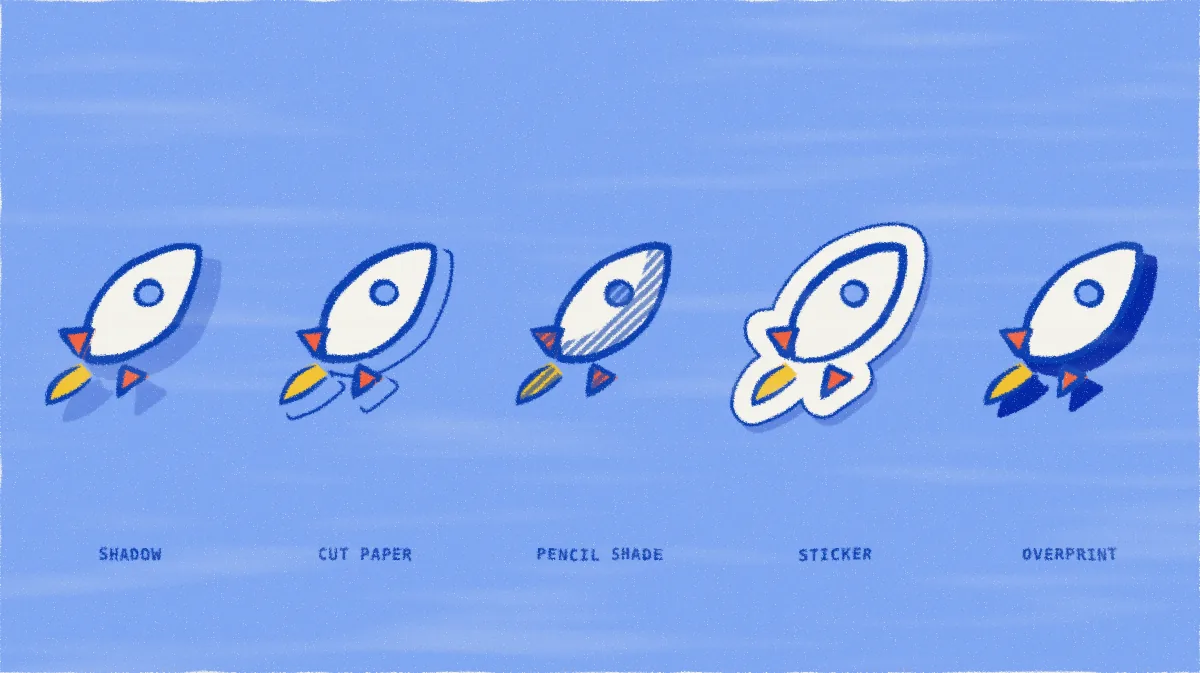 Shadow, cut paper, pencil shade, sticker and overprint, each one toggle.
For headlines, Effects switches between solid letters and an outline.
Choose a size and a look
Two buttons at the top set up the whole canvas. Size opens a list of real uses: cover (1200 × 673), link preview (1200 × 630), GitHub (1280 × 640), square, story (1080 × 1920), YouTube and poster. Change the size and everything on the canvas moves and scales with it, so you only nudge what needs it.
Look sets the colours and the finish. Riso is the house style: hand-inked lines, misprinted colour plates and paper grain. Miniature uses Tulip Era colours on warm paper. Each comes in a crayon finish and a soft finish with clean edges, which suits the 3D icons.
Re-ink keeps your layout and draws it with a new hand: the wobble of the lines, the plate offsets and the grain change. Press it a few times and keep the one you like.
Arrange the layers
Position opens a panel with two tabs. Arrange moves the selected part forward, backward, to the front or to the back, and aligns it to the page: left, centre, right, top, middle or bottom. Layers lists every part of the picture with a thumbnail, top of the list in front. Drag a row to reorder it, click the eye to hide a part, and lock a part from the quick bar so a stray drag cannot move it.
A layout check sits in the top bar. It reads Levni’s critic, which flags parts that fall off the canvas, crops that look like accidents and pictures with no clear focus, and it adds one more check of its own: a headline that runs into a drawing.
Start from a template
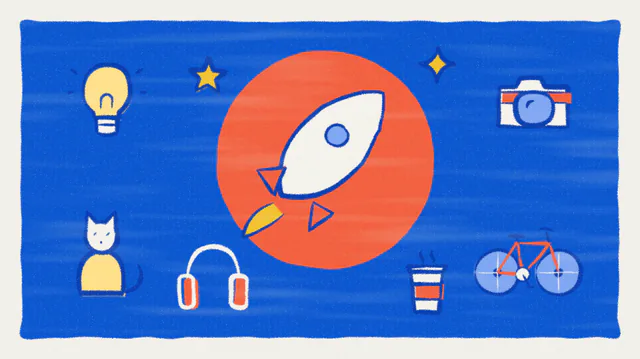
Templates holds about two dozen finished scenes from the Levni examples: a rocket launch cover, iso cafés and cities, soft 3D covers, ribbons, gradient heroes, a dithered sunset, an ASCII card, a sticker sheet, etched posters and bauhaus posters. Click one to load it. Your own design is not lost: undo brings it back.
Download it, share it, or open the code
Download gives you a PNG at canvas size, a PNG at twice the size for sharp screens, an SVG you can open in Figma or Illustrator, or the scene as JSON. Share link copies a link that holds the whole design, so whoever opens it sees exactly what you made, with no server in between.
The Code panel shows the scene as JSON while you edit, and you can edit the JSON too. It is the same format the npm package draws:
npx @levni/levni render scene.json cover.png
So a design you make by hand can go into a script, a build step or a batch of a hundred covers without being drawn again.
Make a README banner from a repo link
Next to the editor sits a smaller free tool. The README banner maker takes a GitHub link, reads the repo’s name, description, topics, language and stars, picks a drawing from the Folio and draws a 1280 × 640 banner, the size GitHub uses for a social preview.
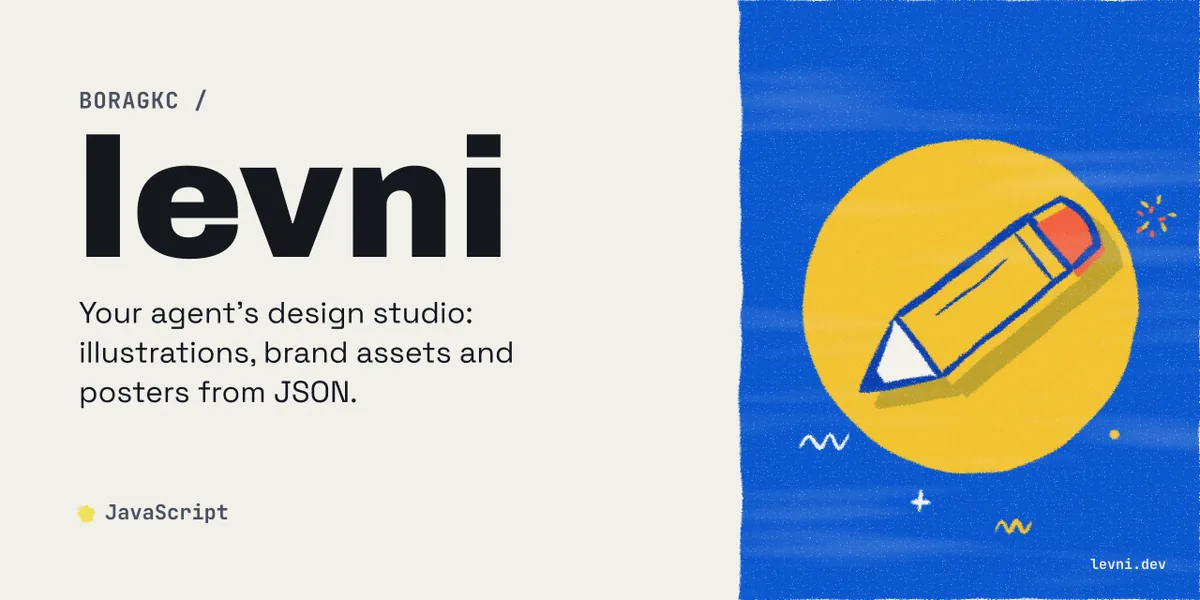 A banner for the Levni repo, made from its GitHub link.
Pick a palette or another drawing, download the PNG, save it in your repo as .github/banner.png and paste the Markdown it gives you. Open in the editor takes the banner into the full editor if you want to change more.
Ask your agent for the next one
The editor is the way to try Levni and to arrange a picture by hand. The fastest way to make many pictures is still to ask for them. Add the Levni MCP server to your assistant and describe what you want:
Make a 1200 by 630 link preview for my post "Slow mornings, better coffee".
Use the Levni library: a coffee cup on a mustard circle on a blue panel,
the title in heavy type on the left. Read the critic, fix what it reports,
and save it as og.png.
Levni draws on your own machine, so the $20 Claude or ChatGPT plan you already have is enough: no image credits and no second bill. Setup takes a minute: add Levni to Claude Code, Claude Desktop, Codex or Cursor.
If Levni is useful to you, a star on GitHub helps other people find it.
Reference and examples: getting started, the MCP server, all features and the gallery. For more on the styles in this post, read 3D icons from the library and ASCII art illustrations.
FAQs
Is the Levni editor free?
Yes. There is no account, no sign-up and no limit. The editor runs the Levni engine inside your browser, so nothing is uploaded and there is no server to pay for. The code is MIT and the drawings are CC BY 4.0.
Does it use an AI image model?
No. Every picture is composed from the hand-inked drawings of the Levni Folio by code. The same scene with the same seed always draws the same picture.
Can I use what I make commercially?
Yes. The drawings are CC BY 4.0, so you can use them anywhere, commercially too, with credit “drawings by Ortak Alan”.
How do I keep a design?
Download it as PNG or SVG, save the scene JSON, or copy a share link: the whole design is stored in the link itself. The editor also remembers your last design in this browser.
Can my AI assistant make the same pictures?
Yes. Add the Levni MCP server to Claude Code, Claude Desktop, Codex or Cursor and ask in plain words. It draws on your own machine, so the plan you already pay for is enough.
Ortak Alan is a Turkish publication that draws its article covers with Levni, and makes Levni. The engine is on GitHub.