A free illustration library is only as good as its search. If you type “tea” and get nothing, or the drawing you used last month has a new name and your page breaks, the library is not saving you time.
The Levni Folio holds 1,628 hand-inked drawings in 3,409 variants, free under CC BY 4.0. This month we went through every one of them, borrowing the rules that made Lucide the most used open icon set: every drawing is named for what it shows, tagged with the words people actually search for, and kept findable under its old name when it is renamed. This guide shows how to search the library, take a drawing out of it, and what the rules mean for you.
Search in English or Turkish
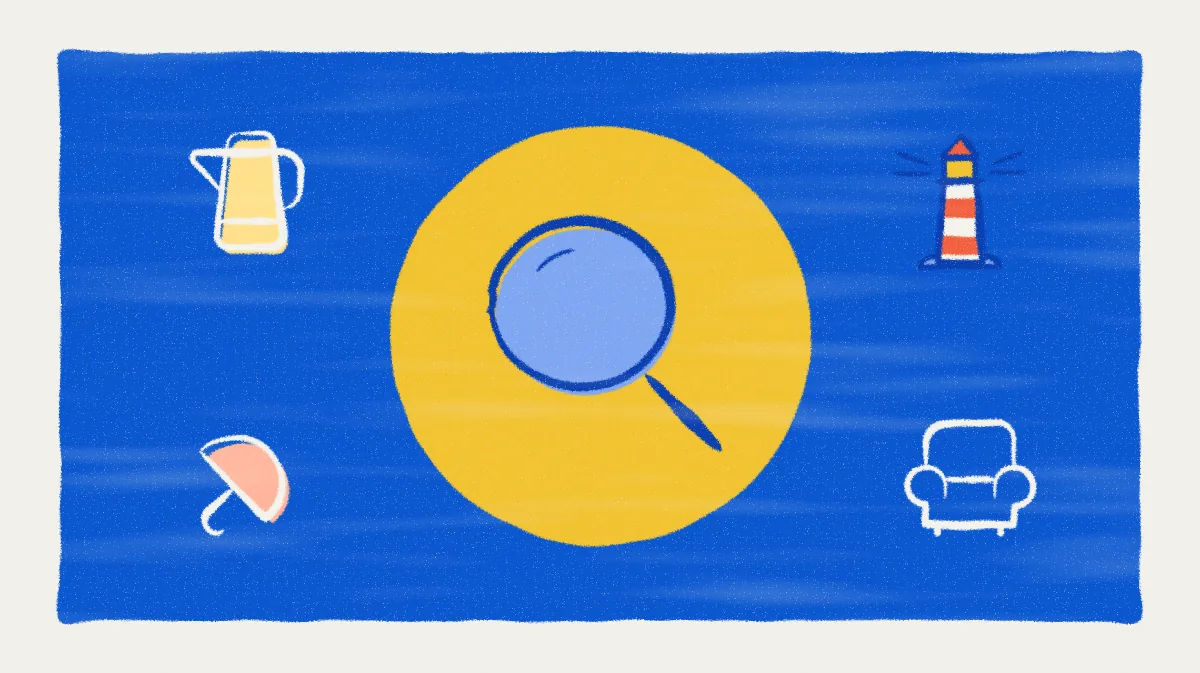
Open the Library and type a word. Press / from anywhere on the page to jump to the search box. The library now carries about 11,800 tags: English synonyms (“seat”, “couch”, “living room” for an armchair) and Turkish words next to them (“koltuk”, “berjer”).
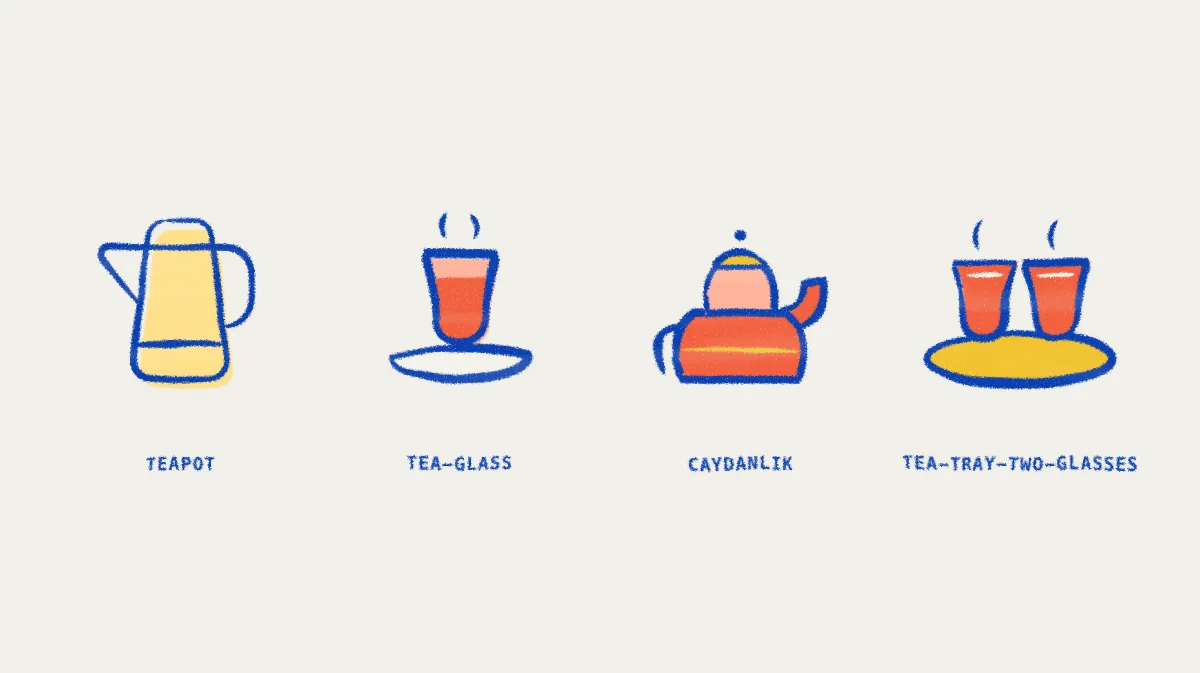
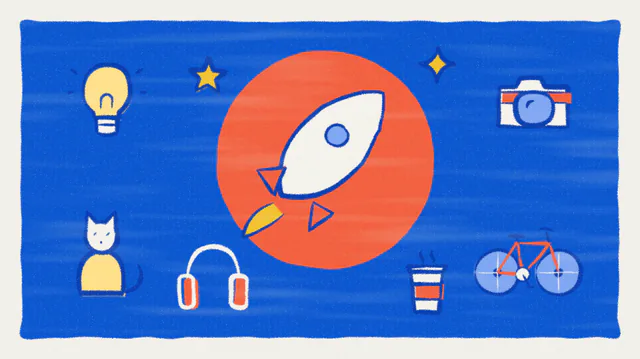
A search for “çay” finds every tea drawing above, though none of them has “çay” in its name. The same search works from the terminal and from an agent:
npx @levni/levni list çay
In Claude, Cursor or Codex, the list_props tool of the MCP server answers the same query and describes every variant in words, so an agent that cannot see images can still pick the right one.
Take a drawing out of the library
Click a drawing to open it. The panel shows:
- Tags. Click one to search for it: from a teapot to every drawing tagged “kitchen”.
- Colours. Riso, miniature and three more packs, or your own brand colours.
- Code to copy. Three tabs: the scene element, a JavaScript call to
render(), or the CLI commands. Copy puts it on your clipboard. - Download SVG. In the colours you picked.
- Copy link. Every drawing has its own address, for example
/library/?p=lighthouse, handy for a brief or a pull request. - Related drawings. Ranked by shared tags and the name’s group word: open the baklava and the baklava tray and lokum are next to it.
A search with no results offers to ask for the drawing. A search for a brand explains why it will never be there.
Names that say what they show
Names follow one rule: say what the drawing shows, not what it is used for. A floppy disk is floppy-disk, never save, because the same drawing means “save” in one story and “retro computing” in another. Related drawings share the group word first (book-hardcover, book-stack), modifiers come after the thing they describe (heart-broken), and numbers appear only when the drawing shows them (dice-5, clock-hour-4).
That rule renamed 31 drawings whose names only carried a version number:
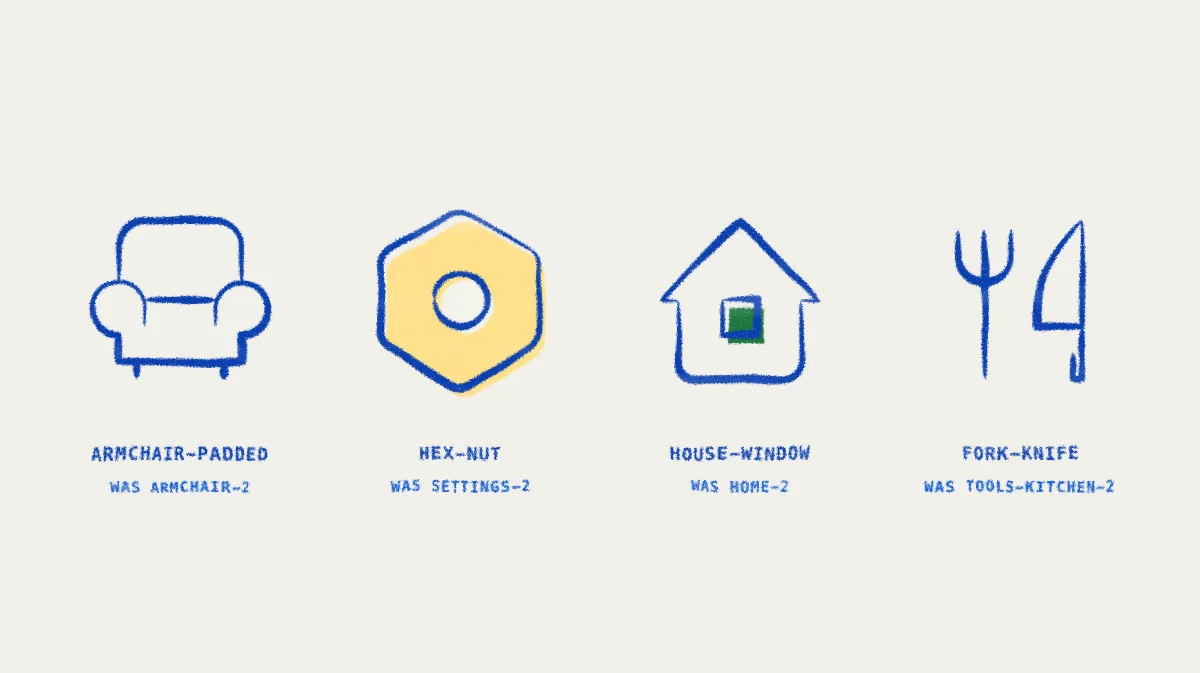
The figure above was drawn from a scene that still uses the old names. Every renamed drawing keeps its old name in aliases, so nothing you saved breaks:
{ "type": "prop", "name": "settings-2", "x": 600, "y": 336, "size": 320 }
draws the hex nut. findProp('settings-2') in the Node API and list_props both find it too.
No logos, by rule
The Folio draws no brand logos. Logos are trademarks that may not be changed, and every Folio drawing is changed: redrawn in the house line and recoloured by style packs. A test refuses any drawing named after a brand. Tags may still mention one, so a search for “tiktok” can find a generic phone. If you need the logo itself, use the brand’s press kit or Simple Icons.
Add a drawing
Missing something? Every drawing is one JSON file of paths in a 0–100 box. The Folio guide has the drawing, naming and tagging rules and a checklist. Check your file with:
npx @levni/levni add my-props.json --sheet check.png
It refuses what would break the library (an uppercase tag, a brand name) and prints note lines for the rest: a tag that repeats the name, too few tags, a number the drawing does not show. Then open a pull request; the tests run on it automatically. More in the library guide.
FAQs
Can I search the library in Turkish?
Yes. Most drawings carry Turkish tags next to the English ones, so çay, kahve or yağmur find teapots, coffee cups and rain clouds. Search on the Library page, with npx @levni/levni list, or through the list_props MCP tool.
How do I download a drawing as SVG?
Open the drawing in the Library and press Download SVG. If you picked a style pack or your own colours first, the SVG is downloaded in those colours.
What happens to my scenes when a drawing is renamed?
Nothing. A renamed drawing keeps its old name in an aliases list, so a scene that says armchair-2 still draws armchair-padded, in the CLI, the MCP server and the Node API.
Why are there no brand logos?
Logos are trademarks that may not be redrawn in another style, and a redrawn logo stops looking like the brand. The Folio draws generic objects instead. For logos, use the brand's press kit or Simple Icons.
Are the illustrations free for commercial use?
Yes. The Levni Folio is CC BY 4.0: use the drawings anywhere, commercially too, with the credit "drawings by Ortak Alan (CC BY 4.0)".
Ortak Alan is a Turkish publication that draws its article covers with Levni, and makes Levni. The engine is on GitHub.